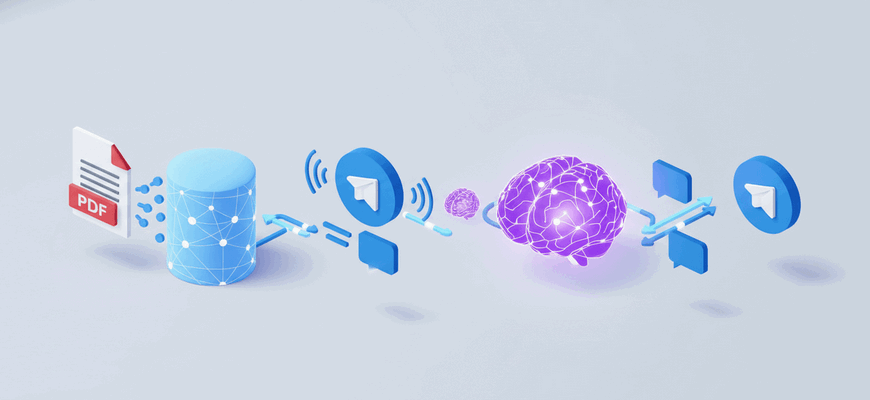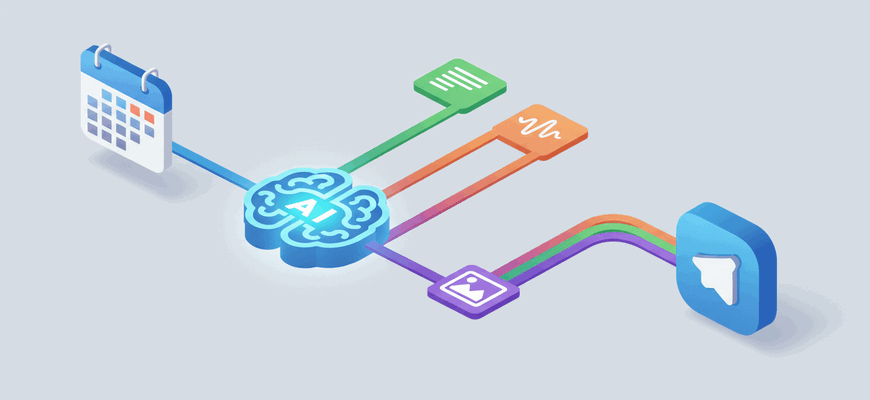

This workflow lets members chat with an event schedule stored in Google Sheets directly from Telegram. It reads the spreadsheet, converts the schedule into a Markdown table as context for an LLM agent, and replies to user questions in Telegram using that context.
What You Can Do
- Receive user messages from Telegram and show a typing indicator while processing
- Read a Google Sheets document and convert all rows into a Markdown table for context
- Use a LangChain agent + LLM (OpenRouter-compatible) with memory to answer schedule-related questions
- Route responses back to Telegram or handle them inside n8n for testing
Quick Start
- Import this workflow into n8n.
- Configure credentials for the following services:
– Telegram Bot API (Telegram account)
– Google Sheets OAuth2 (Google Sheets account)
– OpenRouter or another supported LLM provider (OpenRouter account) - Update the schedule URL in the “Settings” node to point to your Google Sheets document (or set a public shareable link).
- Set up your Telegram bot webhook (n8n will provide a webhook URL when you activate the Telegram Trigger node).
- Activate the workflow and test by sending messages to the Telegram bot. You can also test within n8n using the internal chat trigger.
Note:
The LLM uses the Markdown table generated from your spreadsheet as context. Keep sensitive spreadsheet content private and only share with accounts you trust.